flowith-插件1

// ==UserScript==
// @name 批量导出完整内容块为 Markdown(支持展开)
// @namespace http://tampermonkey.net/
// @version 1.1
// @description 自动展开并导出所有内容块为 Markdown 文件(包括隐藏内容)
// @author ChatGPT
// @match :///*
// @grant none
// @run-at document-end
// ==/UserScript==

(function () {
‘use strict’;

// 辅助函数:等待一定时间
const sleep = (ms) => new Promise(resolve => setTimeout(resolve, ms));

// 添加一个导出按钮
const exportBtn = document.createElement('button');
exportBtn.innerText = '导出 Markdown(完整)';
exportBtn.style.position = 'fixed';
exportBtn.style.top = '20px';
exportBtn.style.right = '20px';
exportBtn.style.zIndex = 9999;
exportBtn.style.padding = '10px 15px';
exportBtn.style.backgroundColor = '#4F46E5';
exportBtn.style.color = 'white';
exportBtn.style.border = 'none';
exportBtn.style.borderRadius = '8px';
exportBtn.style.cursor = 'pointer';
document.body.appendChild(exportBtn);

exportBtn.addEventListener('click', async () => {
    exportBtn.innerText = '正在展开内容...';

    // 1. 自动点击所有展开按钮(按顺序点击,等待动画)
    const expandButtons = Array.from(document.querySelectorAll('button svg.lucide-chevron-down'))
        .map(svg => svg.closest('button'));

    for (let btn of expandButtons) {
        try {
            btn.scrollIntoView({ behavior: 'smooth', block: 'center' });
            btn.click();
            await sleep(500);  // 每次点击后等待内容加载
        } catch (e) {
            console.warn('展开失败:', e);
        }
    }

    // 等待所有内容渲染
    await sleep(1000);

    exportBtn.innerText = '正在导出 Markdown...';

    // 2. 遍历每个主要内容块(例如 <main> 或自定义容器)
    const mainBlocks = Array.from(document.querySelectorAll('main'))
        .sort((a, b) => a.getBoundingClientRect().top - b.getBoundingClientRect().top);

    mainBlocks.forEach((mainEl, idx) => {
        const mdParts = [];

        // 提取标题
        const titleEl = mainEl.querySelector('h1, h2, h3');
        const titleText = titleEl ? titleEl.textContent.trim() : `内容块_${idx + 1}`;
        mdParts.push(`# ${titleText}\n`);

        // 提取正文段落
        const paragraphs = mainEl.querySelectorAll('p');
        paragraphs.forEach(p => {
            const text = p.textContent.trim();
            if (text) mdParts.push(text + '\n');
        });

        // 提取代码块
        const codeBlocks = mainEl.querySelectorAll('pre code');
        codeBlocks.forEach(code => {
            const codeText = code.textContent.trim();
            if (codeText) mdParts.push('\n```\n' + codeText + '\n```\n');
        });

        // 整合内容并触发下载
        const blob = new Blob([mdParts.join('\n')], { type: 'text/markdown;charset=utf-8' });
        const filename = titleText.replace(/[\\/:*?"<>|]/g, '_') + '.md';
        const link = document.createElement('a');
        link.href = URL.createObjectURL(blob);
        link.download = filename;
        document.body.appendChild(link);
        link.click();
        document.body.removeChild(link);
    });

    exportBtn.innerText = '导出完成 ✅';
});

})();
仅展开md格式,并下载md文档

// ==UserScript==
// @name         自动导出内容块为 Markdown(按顺序展开保存)
// @namespace    http://tampermonkey.net/
// @version      1.0
// @description  依次展开、导出并保存每个内容块为 Markdown 文件,并自动滚动处理所有内容块
// @author       ChatGPT
// @match        *://*/*
// @grant        none
// @run-at       document-end
// ==/UserScript==

(function () {
    'use strict';

    const sleep = (ms) => new Promise(resolve => setTimeout(resolve, ms));

    const scrollToElement = (el) => {
        el.scrollIntoView({ behavior: 'smooth', block: 'center' });
    };

    const simulateClick = (el) => {
        el.dispatchEvent(new MouseEvent('click', { bubbles: true, cancelable: true, view: window }));
    };

    const extractMarkdownFromMain = (mainEl, index) => {
        const mdParts = [];

        // 提取标题
        const titleEl = mainEl.querySelector('h1,h2,h3');
        const titleText = titleEl ? titleEl.textContent.trim() : `内容块_${index + 1}`;
        mdParts.push(`# ${titleText}\n`);

        // 提取段落
        const paragraphs = mainEl.querySelectorAll('p');
        paragraphs.forEach(p => {
            const text = p.textContent.trim();
            if (text) mdParts.push(text + '\n');
        });

        // 提取代码块
        const codeBlocks = mainEl.querySelectorAll('pre code');
        codeBlocks.forEach(code => {
            const codeText = code.textContent.trim();
            if (codeText) mdParts.push('\n```\n' + codeText + '\n```\n');
        });

        return {
            filename: titleText.replace(/[\\/:*?"<>|]/g, '_') + '.md',
            content: mdParts.join('\n')
        };
    };

    const downloadMarkdown = ({ filename, content }) => {
        const blob = new Blob([content], { type: 'text/markdown;charset=utf-8' });
        const link = document.createElement('a');
        link.href = URL.createObjectURL(blob);
        link.download = filename;
        document.body.appendChild(link);
        link.click();
        document.body.removeChild(link);
    };

    const createControlButton = () => {
        const btn = document.createElement('button');
        btn.innerText = '开始批量导出';
        btn.style.position = 'fixed';
        btn.style.top = '20px';
        btn.style.right = '20px';
        btn.style.zIndex = 9999;
        btn.style.padding = '10px 15px';
        btn.style.backgroundColor = '#4F46E5';
        btn.style.color = 'white';
        btn.style.border = 'none';
        btn.style.borderRadius = '8px';
        btn.style.cursor = 'pointer';
        document.body.appendChild(btn);
        return btn;
    };

    const processBlocksSequentially = async () => {
        const blocks = Array.from(document.querySelectorAll('main[id]')); // 可根据你的结构进一步过滤
        for (let i = 0; i < blocks.length; i++) {
            const block = blocks[i];
            scrollToElement(block);
            await sleep(1000);

            // 点击展开按钮
            const expandBtn = block.closest('.react-flow__node')?.querySelector('button svg.lucide-chevron-down')?.closest('button');
            if (expandBtn) {
                simulateClick(expandBtn);
                await sleep(1500); // 等待动画和内容加载
            }

            // 提取并下载
            const mdData = extractMarkdownFromMain(block, i);
            downloadMarkdown(mdData);

            // 可选:点击收起按钮
            const collapseBtn = block.closest('.react-flow__node')?.querySelector('svg.lucide-minimize2')?.closest('div');
            if (collapseBtn) {
                simulateClick(collapseBtn);
                await sleep(500);
            }

            // 向下滚动一点,加载下一个块(尤其适用于虚拟滚动页面)
            window.scrollBy({ top: 600, behavior: 'smooth' });
            await sleep(1000);
        }

        alert('所有内容块已导出完毕!');
    };

    const button = createControlButton();
    button.addEventListener('click', processBlocksSequentially);
})();

flowith元素:

Agent Neo:

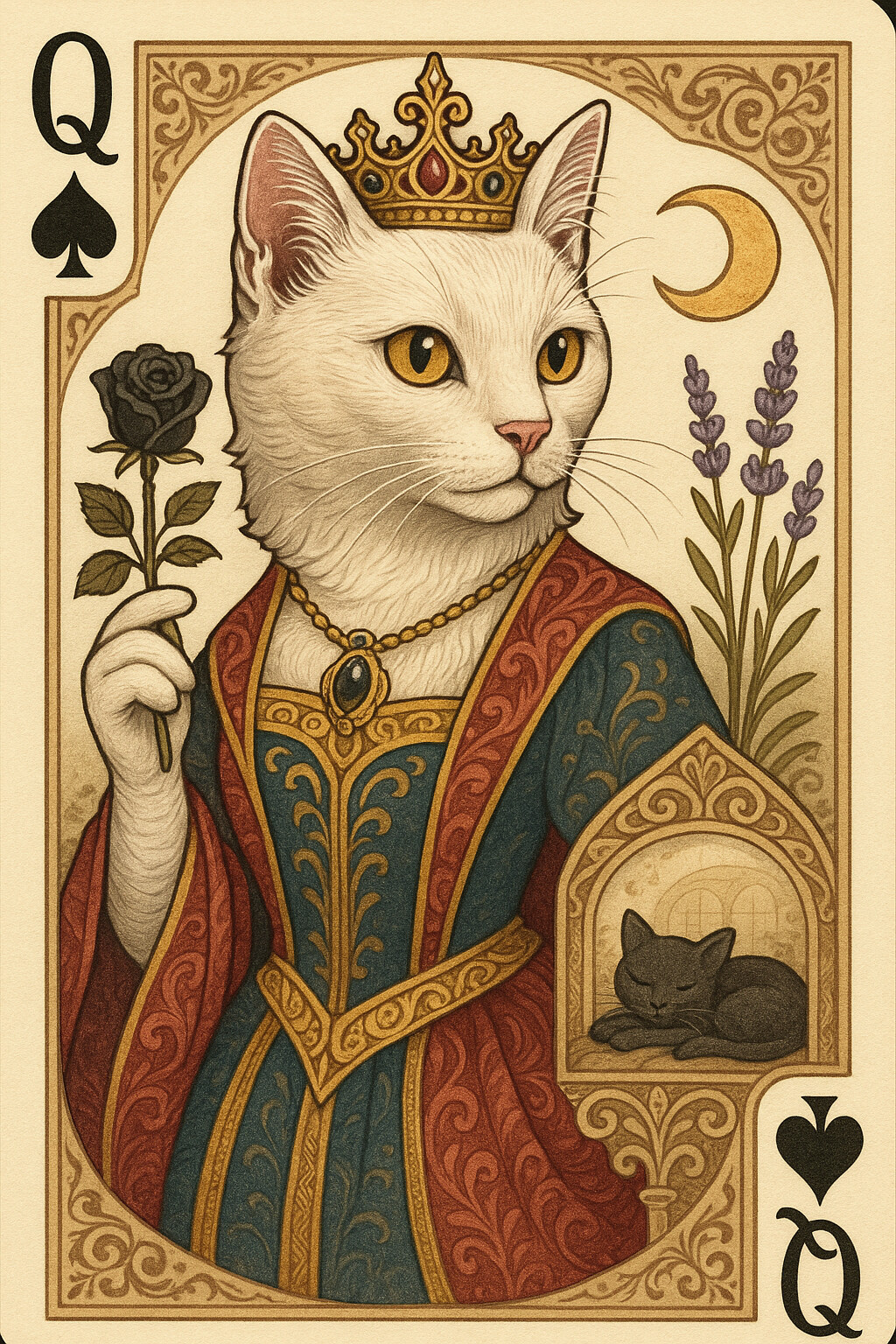
HighQualityQueenOfSpadesCardImage

为黑桃Q(皇后)设计一张高质量扑克牌图像,采用细致插画风格,准确呈现猫咪主题的视觉特征与性格,融合皇家牌面设计文档中建议的元素,展现优雅神秘的形象与丰富细节。...

gen image
05-20 10:39